Installing PHP with AppServ
Turn your computer into a local server with a few apps. A ready environment for PHP 5.6+ projects.
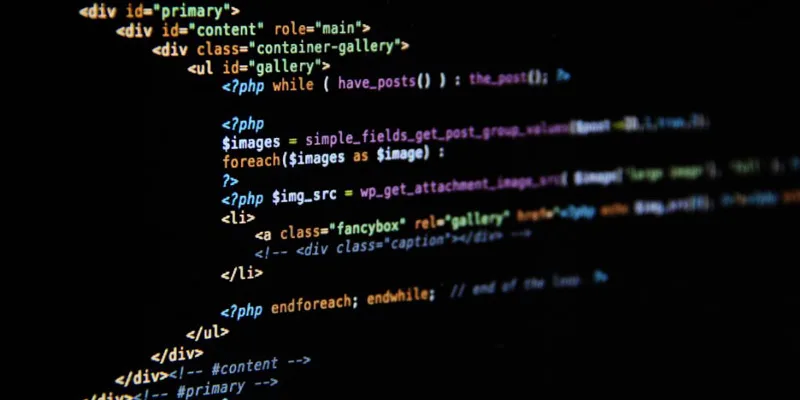
To set up PHP, we'll turn our computer into a small server with a few applications. Once that's done, we can integrate PHP 5.6 and newer and start building applications and websites. We need to install something like AppServ or XAMPP; my recommendation is AppServ, and in this post I'll show how to install and configure it. Enjoy.
Installing AppServ
Download AppServ: click to download
Downloading from that page gets PHP, MySQL and Apache at once, which makes things much easier.
After it downloads, the Apache settings come first. You can leave them as they are. However, if another application on your system uses port 80, set AppServ to a port other than 80; otherwise the two clash over the port and neither works.
In this step we install MySQL. The suggested username is root, so we keep it and set our root password. The important part is setting the charset to UTF-8.
Press Install to finish. When you type localhost in your browser, the AppServ page should appear. If it doesn't, uninstall AppServ and repeat the same steps carefully.
Go to the drive where you installed AppServ, put your applications in the www folder (or create new ones there), and you can view them on localhost.
That's all for the installation. I hope it helps :)
Comments 0
No comments yet. Be the first.
Leave a comment